git init
Matheus Pereira | matheper@gmail.com
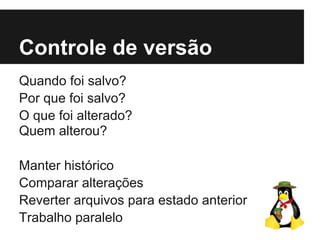
Controle de versão
Quando foi salvo?
Por que foi salvo?
O que foi alterado?
Quem alterou?
Manter histórico
Comparar alterações
Reverter arquivos para estado anterior
Trabalho paralelo
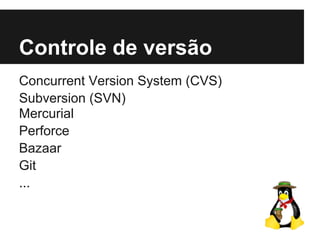
Controle de versão
Concurrent Version System (CVS)
Subversion (SVN)
Mercurial
Perforce
Bazaar
Git
...
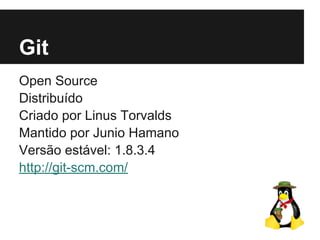
Git
Open Source
Distribuído
Criado por Linus Torvalds
Mantido por Junio Hamano
Versão estável: 1.8.3.4
http://git-scm.com/
Quem usa?
Instituto Communitas / Hadi.com
Linux Kernel
Google
PostgreSQL
Facebook
LinkedIn
Twitter
…
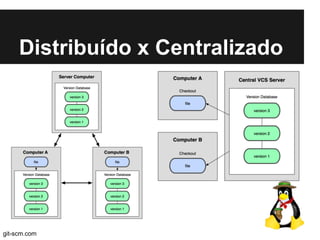
Distribuído x Centralizado
git-scm.com
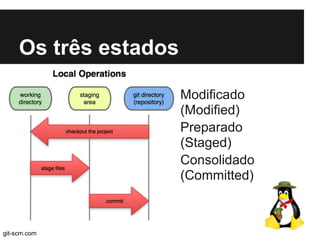
Os três estados
Modificado
(Modified)
Preparado
(Staged)
Consolidado
(Committed)
git-scm.com
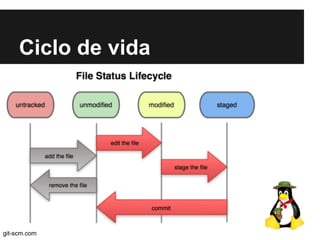
Ciclo de vida
git-scm.com
Repositórios online
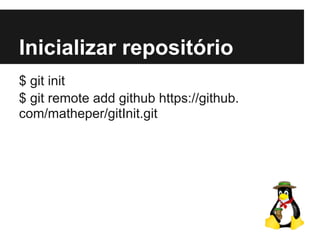
Inicializar repositório
$ git init
$ git remote add github https://github.
com/matheper/gitInit.git
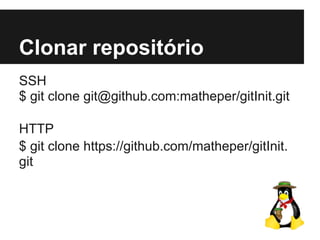
Clonar repositório
SSH
$ git clone git@github.com:matheper/gitInit.git
HTTP
$ git clone https://github.com/matheper/gitInit.
git
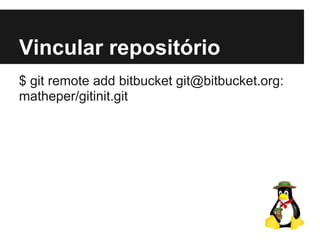
Vincular repositório
$ git remote add bitbucket git@bitbucket.org:
matheper/gitinit.git
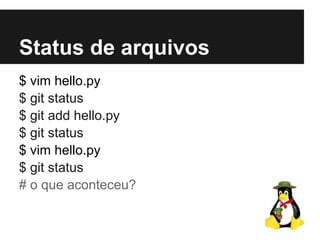
Status de arquivos
$ vim hello.py
$ git status
$ git add hello.py
$ git status
$ vim hello.py
$ git status
# o que aconteceu?
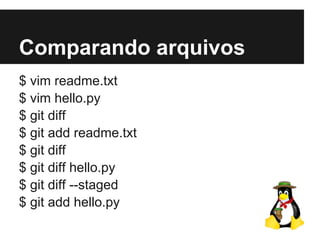
Comparando arquivos
$ vim readme.txt
$ vim hello.py
$ git diff
$ git add readme.txt
$ git diff
$ git diff hello.py
$ git diff --staged
$ git add hello.py
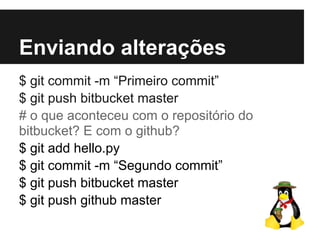
Enviando alterações
$ git commit -m “Primeiro commit”
$ git push bitbucket master
# o que aconteceu com o repositório do
bitbucket? E com o github?
$ git add hello.py
$ git commit -m “Segundo commit”
$ git push bitbucket master
$ git push github master
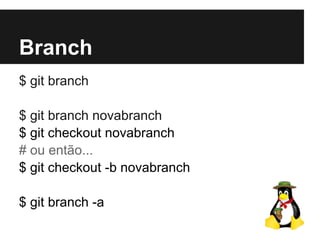
Branch
$ git branch
$ git branch novabranch
$ git checkout novabranch
# ou então...
$ git checkout -b novabranch
$ git branch -a
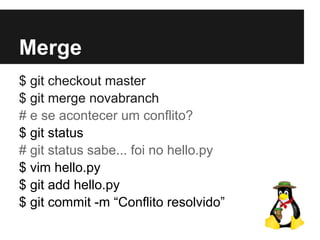
Merge
$ git checkout master
$ git merge novabranch
# e se acontecer um conflito?
$ git status
# git status sabe... foi no hello.py
$ vim hello.py
$ git add hello.py
$ git commit -m “Conflito resolvido”
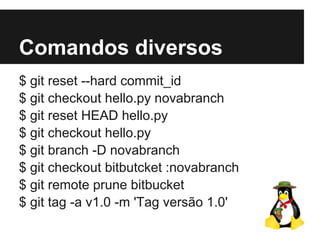
Comandos diversos
$ git reset --hard commit_id
$ git checkout hello.py novabranch
$ git reset HEAD hello.py
$ git checkout hello.py
$ git branch -D novabranch
$ git checkout bitbutcket :novabranch
$ git remote prune bitbucket
$ git tag -a v1.0 -m 'Tag versão 1.0'

Git init