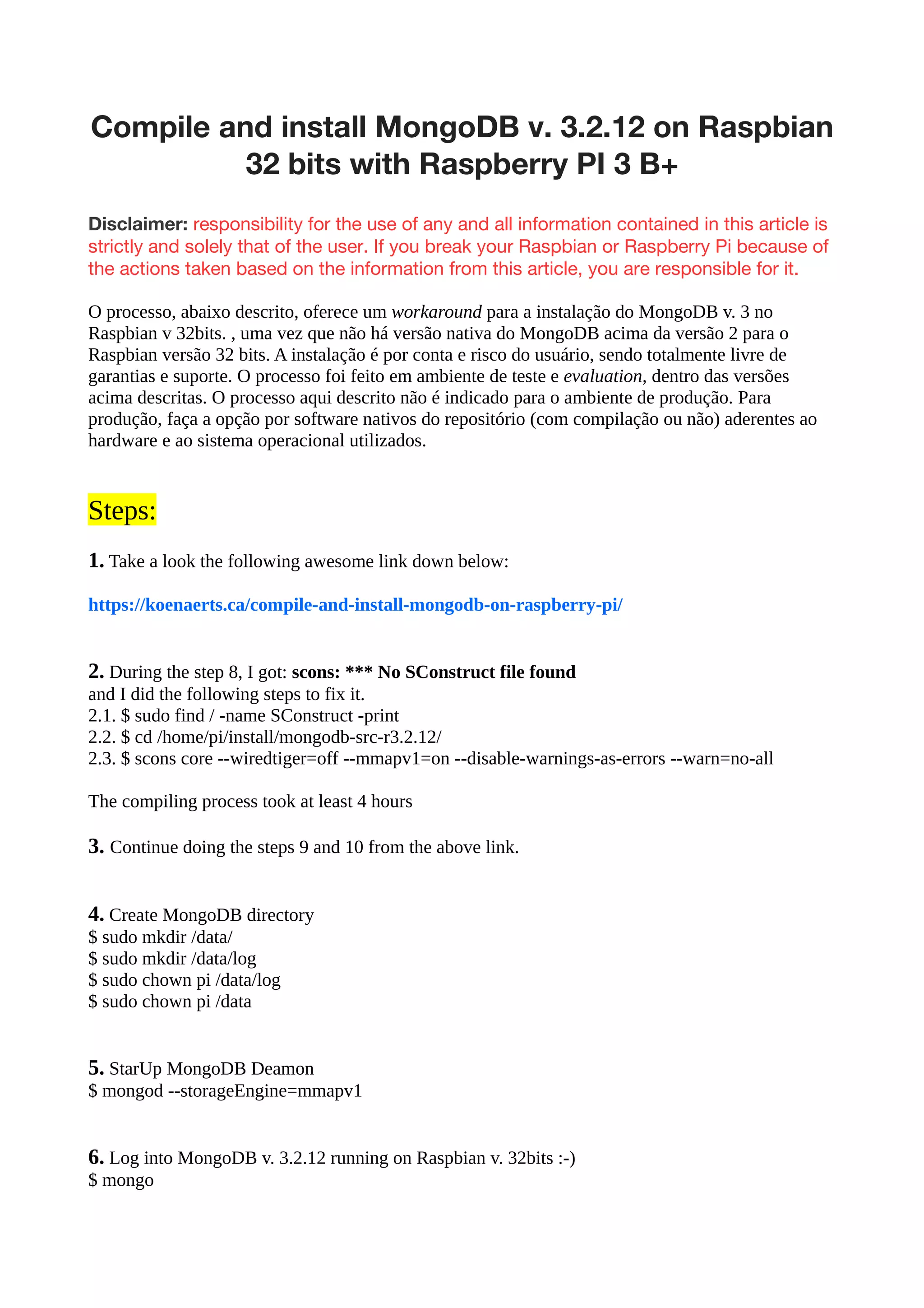


Compile and install MongoDB v. 3.2.12 on Raspbian 32 bits with Raspberry PI 3 B+
- 1. Compile and installMongoDB v. 3.2.12 on Raspbian 32 bits with Raspberry PI 3 B+ Disclaimer: responsibility for the use of any and all information contained in this article is strictly and solely that of the user. If you break your Raspbian or Raspberry Pi because of the actions taken based on the information from this article, you are responsible for it. O processo, abaixo descrito, oferece um workaround para a instalação do MongoDB v. 3 no Raspbian v 32bits. , uma vez que não há versão nativa do MongoDB acima da versão 2 para o Raspbian versão 32 bits. A instalação é por conta e risco do usuário, sendo totalmente livre de garantias e suporte. O processo foi feito em ambiente de teste e evaluation, dentro das versões acima descritas. O processo aqui descrito não é indicado para o ambiente de produção. Para produção, faça a opção por software nativos do repositório (com compilação ou não) aderentes ao hardware e ao sistema operacional utilizados. Steps: 1. Take a look the following awesome link down below: https://koenaerts.ca/compile-and-install-mongodb-on-raspberry-pi/ 2. During the step 8, I got: scons: *** No SConstruct file found and I did the following steps to fix it. 2.1. $ sudo find / -name SConstruct -print 2.2. $ cd /home/pi/install/mongodb-src-r3.2.12/ 2.3. $ scons core --wiredtiger=off --mmapv1=on --disable-warnings-as-errors --warn=no-all The compiling process took at least 4 hours 3. Continue doing the steps 9 and 10 from the above link. 4. Create MongoDB directory $ sudo mkdir /data/ $ sudo mkdir /data/log $ sudo chown pi /data/log $ sudo chown pi /data 5. StarUp MongoDB Deamon $ mongod --storageEngine=mmapv1 6. Log into MongoDB v. 3.2.12 running on Raspbian v. 32bits :-) $ mongo