@brunokktro
http://bit.ly/Youtube_BlogLopez
Technical Trainer e Engenheiro de Suporte no Frontline Microsoft (vendor Wipro).
Especialista em infraestrutura, com foco em Exchange Server, Office 365,
Skype for Business e Azure. MTAC na região Sul do Brasil.
FanPage: /blogdolopez
https://www.linkedin.com/in/blopesinfo
 Arquitetura
 Conectividade de Clientes vs Protocolos
 Outlook on the Web
 MAPI/HTTP
 Melhorias no DLP e In-Place
 Troubleshooting 1: Exchange 2016 e .NET
 Troubleshooting 2: DAG
Agenda
Como é o ciclo de vida do Exchange?
7/30/2014
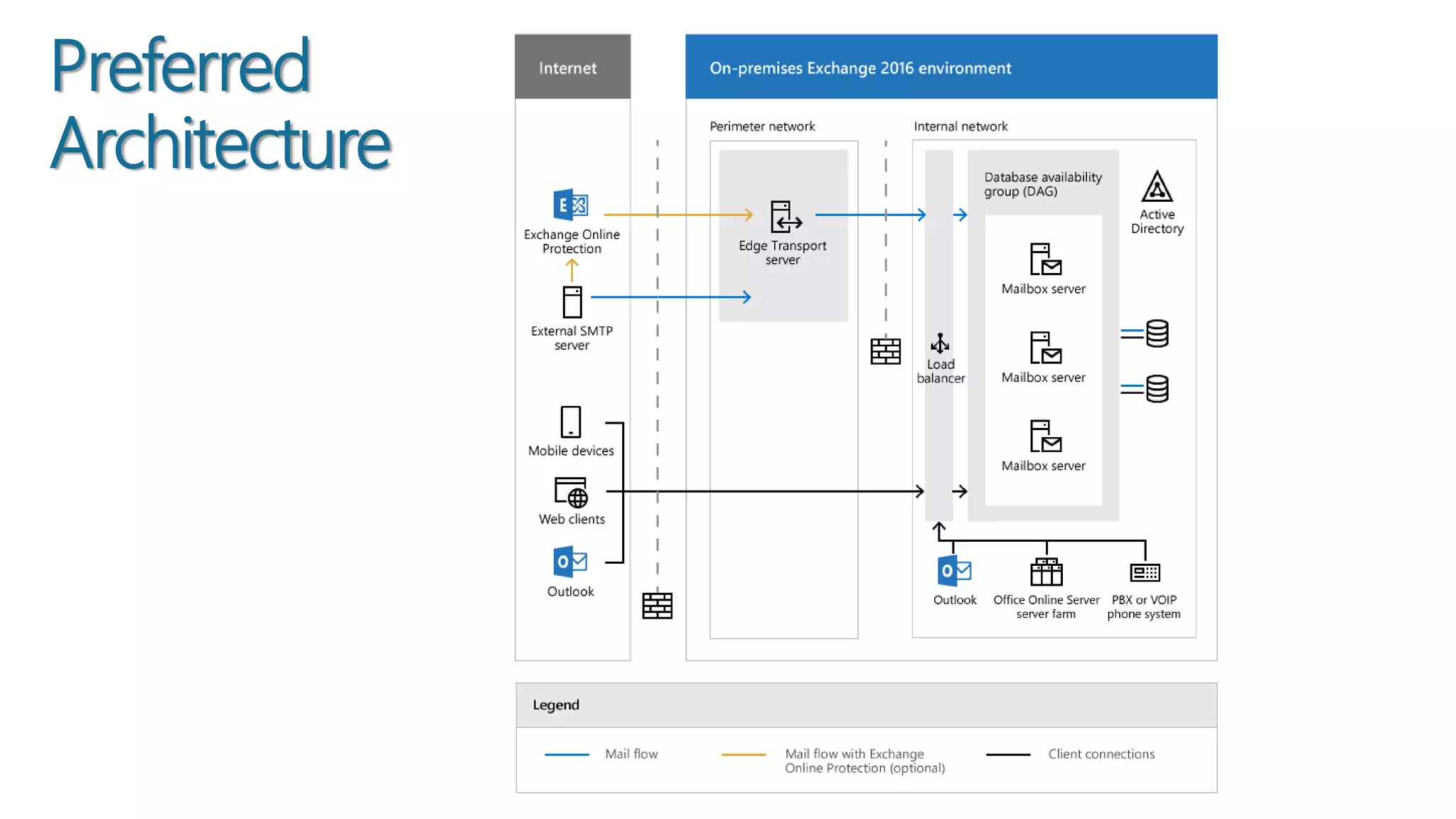
Preferred
Architecture
7/30/2015
 Redução das roles/funções para duas: Mailbox e Edge Transport
 Maior parte do Hub Transport integrada ao Mailbox, como no 2013
 ReFS: “Auto-Cura” do sistema de arquivos e suporte ao BitLocker
 Redução de IOPS e favorecimento do JBOD
 Proteção Anti-Malware “out-of-box”
Arquitetura
……….
.
NTFS
ReFS
NTFS
ReFS
ReFS
RAID1
OS,Exchange,Logs,
Transport DB,
JBOD
Exchange Databases
Hot SparesReFS
 DAG Network configurada automaticamente para separar MAPI e Replication
 Novo serviço: Microsoft Exchange DAG Management Service (MSExchangeDAGMgmt)
 DAG without Administrative Point: Windows Server 2012 R2
ou superior
Arquitetura
 Outlook 2007 não mais suportado
 ActiveSync v16: melhorias nos dispositivos “third-party”
 Sincronismo da Draft Folder
 Maior resiliência no calendário
Conectividade de Clientes vs Protocolos
 Conceito “side-by-side” de colaboração
 Modern Attachments
 Real time co-authoring
Outlook on the Web
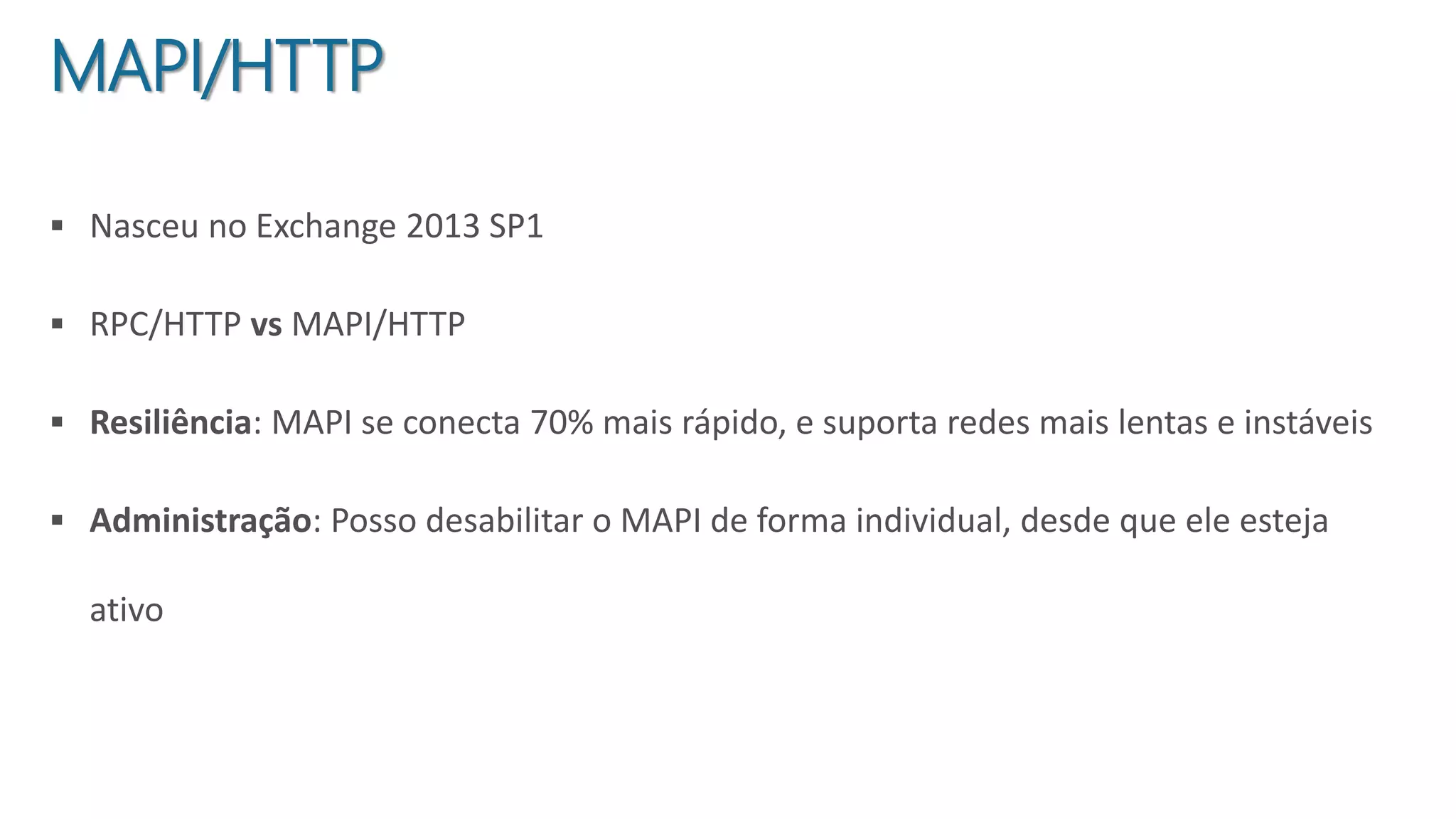
 Nasceu no Exchange 2013 SP1
 RPC/HTTP vs MAPI/HTTP
 Resiliência: MAPI se conecta 70% mais rápido, e suporta redes mais lentas e instáveis
 Administração: Posso desabilitar o MAPI de forma individual, desde que ele esteja
ativo
MAPI/HTTP
 Antes do Cumulative Update 2, o .NET 4.6.1 causava problemas no Exchange 2016 e
precisava ser bloqueada sua instalação
 Agora, o mesmo já está funcional e suportado:
Windows Server 2008/2008R2 – KB3146716
Windows Server 2012 – KB3146714
Windows Server 2012R2 – KB3146715
Troubleshooting 1 - .NET 4.6.1
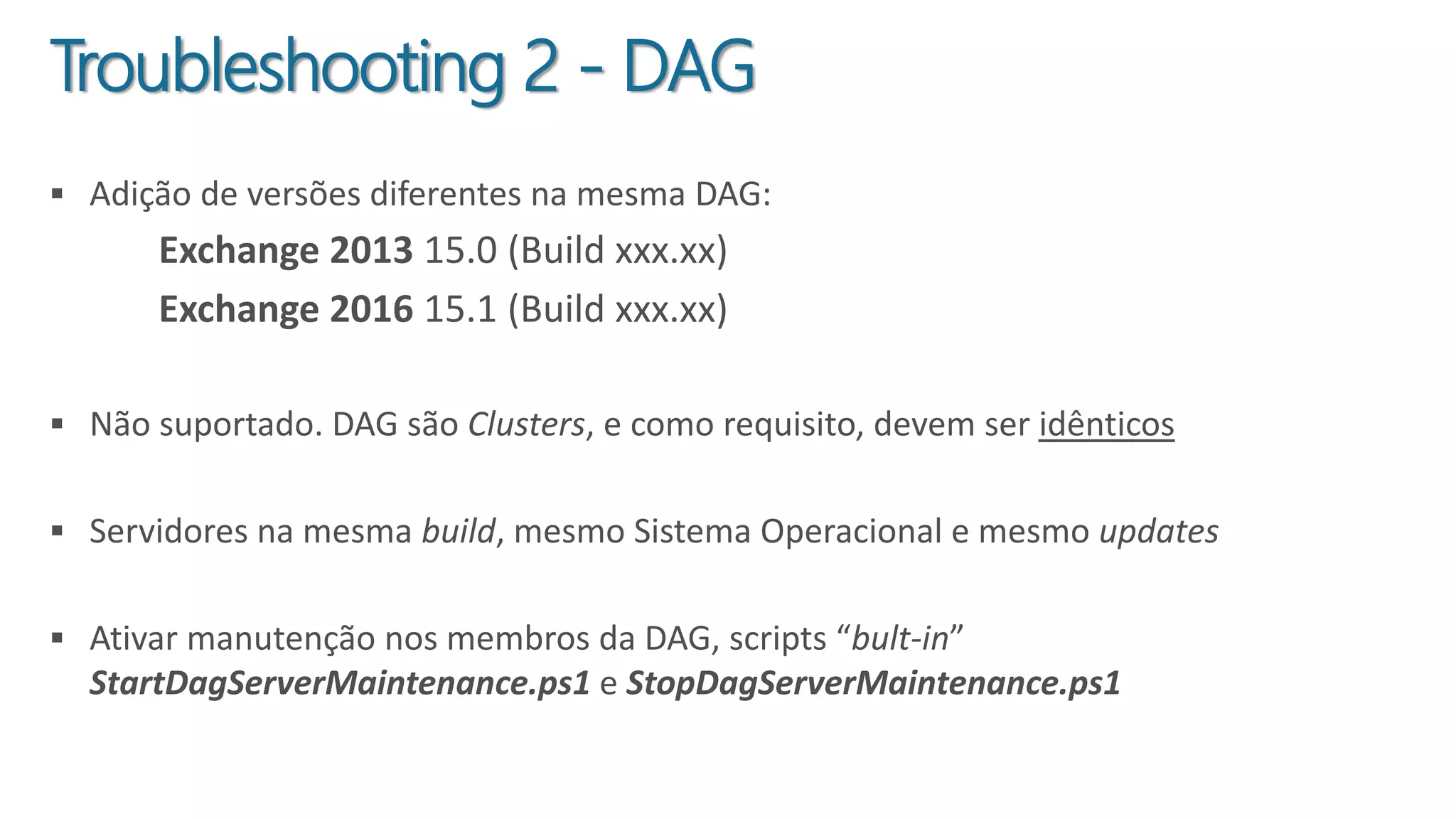
 Adição de versões diferentes na mesma DAG:
Exchange 2013 15.0 (Build xxx.xx)
Exchange 2016 15.1 (Build xxx.xx)
 Não suportado. DAG são Clusters, e como requisito, devem ser idênticos
 Servidores na mesma build, mesmo Sistema Operacional e mesmo updates
 Ativar manutenção nos membros da DAG, scripts “bult-in”
StartDagServerMaintenance.ps1 e StopDagServerMaintenance.ps1
Troubleshooting 2 - DAG
 What's new in Exchange 2016
 Exchange 2016 architecture
 Outlook Connectivity with MAPI over HTTP
 Release notes for Exchange 2016
 Meet Exchange 2016
 The Exchange 2016 Preferred Architecture
 Install Office Online Server in an Exchange 2016 organization
 Installing Update Rollups on Database Availability Group Members
Referências
7/30/20115

Quintas da TI - Novidades do Exchange Server 2016

  • 2.
    @brunokktro http://bit.ly/Youtube_BlogLopez Technical Trainer eEngenheiro de Suporte no Frontline Microsoft (vendor Wipro). Especialista em infraestrutura, com foco em Exchange Server, Office 365, Skype for Business e Azure. MTAC na região Sul do Brasil. FanPage: /blogdolopez https://www.linkedin.com/in/blopesinfo
  • 3.
     Arquitetura  Conectividadede Clientes vs Protocolos  Outlook on the Web  MAPI/HTTP  Melhorias no DLP e In-Place  Troubleshooting 1: Exchange 2016 e .NET  Troubleshooting 2: DAG Agenda
  • 4.
    Como é ociclo de vida do Exchange? 7/30/2014
  • 5.
  • 6.
     Redução dasroles/funções para duas: Mailbox e Edge Transport  Maior parte do Hub Transport integrada ao Mailbox, como no 2013  ReFS: “Auto-Cura” do sistema de arquivos e suporte ao BitLocker  Redução de IOPS e favorecimento do JBOD  Proteção Anti-Malware “out-of-box” Arquitetura ………. . NTFS ReFS NTFS ReFS ReFS RAID1 OS,Exchange,Logs, Transport DB, JBOD Exchange Databases Hot SparesReFS
  • 7.
     DAG Networkconfigurada automaticamente para separar MAPI e Replication  Novo serviço: Microsoft Exchange DAG Management Service (MSExchangeDAGMgmt)  DAG without Administrative Point: Windows Server 2012 R2 ou superior Arquitetura
  • 8.
     Outlook 2007não mais suportado  ActiveSync v16: melhorias nos dispositivos “third-party”  Sincronismo da Draft Folder  Maior resiliência no calendário Conectividade de Clientes vs Protocolos
  • 9.
     Conceito “side-by-side”de colaboração  Modern Attachments  Real time co-authoring Outlook on the Web
  • 10.
     Nasceu noExchange 2013 SP1  RPC/HTTP vs MAPI/HTTP  Resiliência: MAPI se conecta 70% mais rápido, e suporta redes mais lentas e instáveis  Administração: Posso desabilitar o MAPI de forma individual, desde que ele esteja ativo MAPI/HTTP
  • 11.
     Antes doCumulative Update 2, o .NET 4.6.1 causava problemas no Exchange 2016 e precisava ser bloqueada sua instalação  Agora, o mesmo já está funcional e suportado: Windows Server 2008/2008R2 – KB3146716 Windows Server 2012 – KB3146714 Windows Server 2012R2 – KB3146715 Troubleshooting 1 - .NET 4.6.1
  • 12.
     Adição deversões diferentes na mesma DAG: Exchange 2013 15.0 (Build xxx.xx) Exchange 2016 15.1 (Build xxx.xx)  Não suportado. DAG são Clusters, e como requisito, devem ser idênticos  Servidores na mesma build, mesmo Sistema Operacional e mesmo updates  Ativar manutenção nos membros da DAG, scripts “bult-in” StartDagServerMaintenance.ps1 e StopDagServerMaintenance.ps1 Troubleshooting 2 - DAG
  • 15.
     What's newin Exchange 2016  Exchange 2016 architecture  Outlook Connectivity with MAPI over HTTP  Release notes for Exchange 2016  Meet Exchange 2016  The Exchange 2016 Preferred Architecture  Install Office Online Server in an Exchange 2016 organization  Installing Update Rollups on Database Availability Group Members Referências 7/30/20115

Notas do Editor

  • #5 The Exchange Product Group (PG) at the moment delivers new features to the cloud first. The cloud is the perfect place where the team releases continuous updates (done in “waves” or “flights”) and new value to the product. Deploying to the cloud enables the engineering team to get rapid feedback since the features are immediately deployed in the service allowing a quick feedback (after an internal testing of course). This model ensures the service itself remains stable with continuous stream of new features released continuously.
  • #14  OWA com Office Online attachments DLP w/ Fingerprints