GNU/Linux, você está seguro?
Luciano Antonio Borguetti Faustino
lucianoborguetti@gmail.com.com
Digitro - NDS
1 de julho de 2013
1 / 13
Apresentação
Luciano Antonio Borguetti Faustino
Natural do interior de São Paulo, 2 anos em Florianópolis
Trabalho com GNU/Linux há mais de 10 anos ...
Não sou especialista em segurança e muito menos em GNU/Linux, só um curioso!
Viciado em esportes de endurance (esportes/provas de longa duração/distancia)!
http://lucianoborguetti.wordpress.com
2 / 13
Apresentação
Roteiro
3 / 13
Apresentação
Roteiro
1) Vírus para Linux? Existe?
3 / 13
Apresentação
Roteiro
1) Vírus para Linux? Existe?
2) Hardening.
3 / 13
Apresentação
Roteiro
1) Vírus para Linux? Existe?
2) Hardening.
3) Instalação de Softwares.
3 / 13
Apresentação
Sobre o que não vamos falar?
4 / 13
Apresentação
Sobre o que não vamos falar?
1) Não vamos demonstrar técnicas de ataque! só na palestra do @henriquemecking.
Ok, pelo menos uma escalada de privilégios se der tempo ...
4 / 13
Apresentação
Sobre o que não vamos falar?
1) Não vamos demonstrar técnicas de ataque! só na palestra do @henriquemecking.
Ok, pelo menos uma escalada de privilégios se der tempo ...
2) Comparação entre GNU/Linux e Windows.
4 / 13
Apresentação
Sobre o que não vamos falar?
1) Não vamos demonstrar técnicas de ataque! só na palestra do @henriquemecking.
Ok, pelo menos uma escalada de privilégios se der tempo ...
2) Comparação entre GNU/Linux e Windows.
3) Futebol :P
4 / 13
Vírus para GNU/Linux
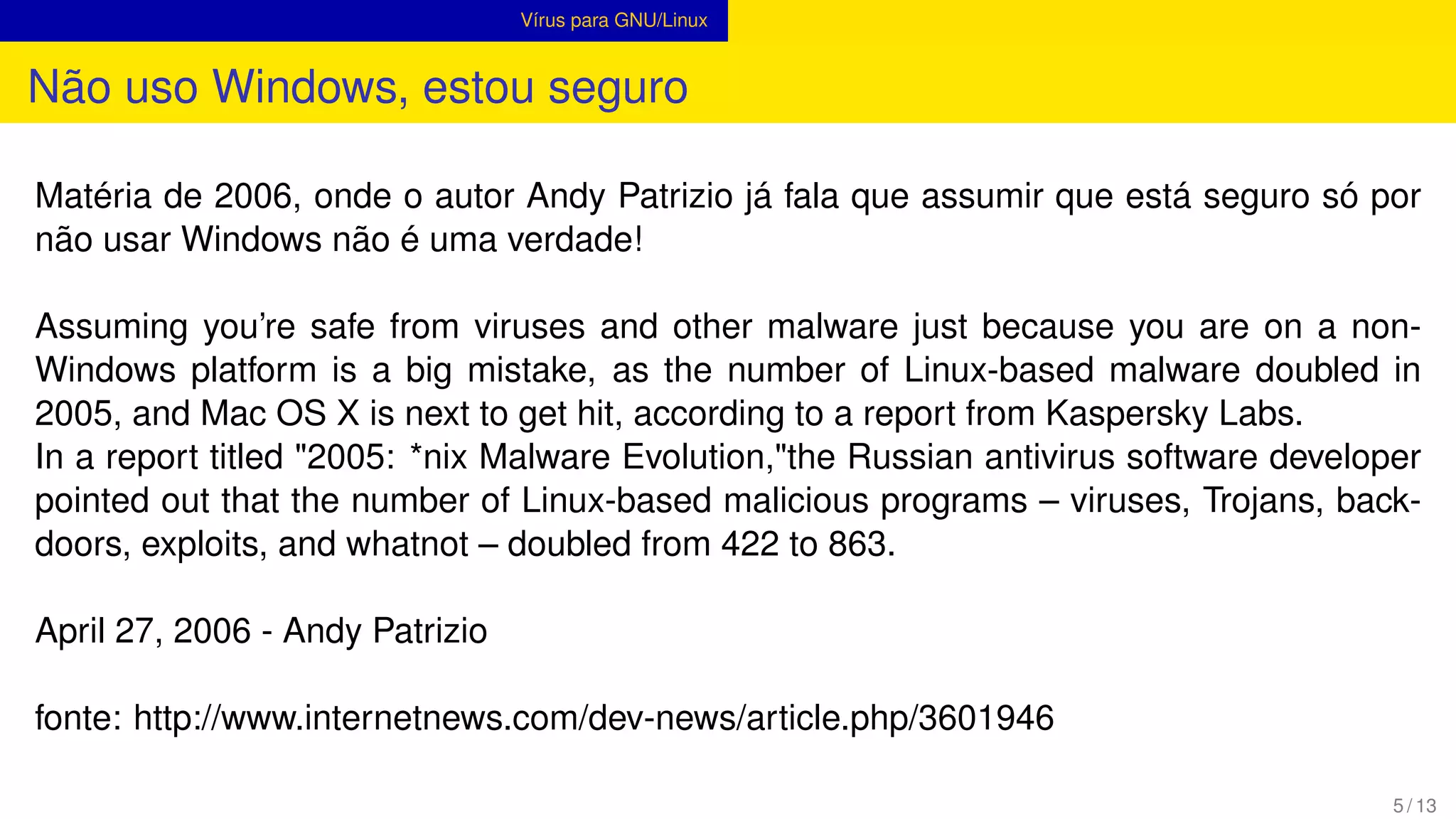
Não uso Windows, estou seguro
Matéria de 2006, onde o autor Andy Patrizio já fala que assumir que está seguro só por
não usar Windows não é uma verdade!
5 / 13
Vírus para GNU/Linux
Não uso Windows, estou seguro
Matéria de 2006, onde o autor Andy Patrizio já fala que assumir que está seguro só por
não usar Windows não é uma verdade!
Assuming you’re safe from viruses and other malware just because you are on a non-
Windows platform is a big mistake, as the number of Linux-based malware doubled in
2005, and Mac OS X is next to get hit, according to a report from Kaspersky Labs.
In a report titled "2005: *nix Malware Evolution,"the Russian antivirus software developer
pointed out that the number of Linux-based malicious programs – viruses, Trojans, back-
doors, exploits, and whatnot – doubled from 422 to 863.
April 27, 2006 - Andy Patrizio
fonte: http://www.internetnews.com/dev-news/article.php/3601946
5 / 13
Vírus para GNU/Linux
Bliss
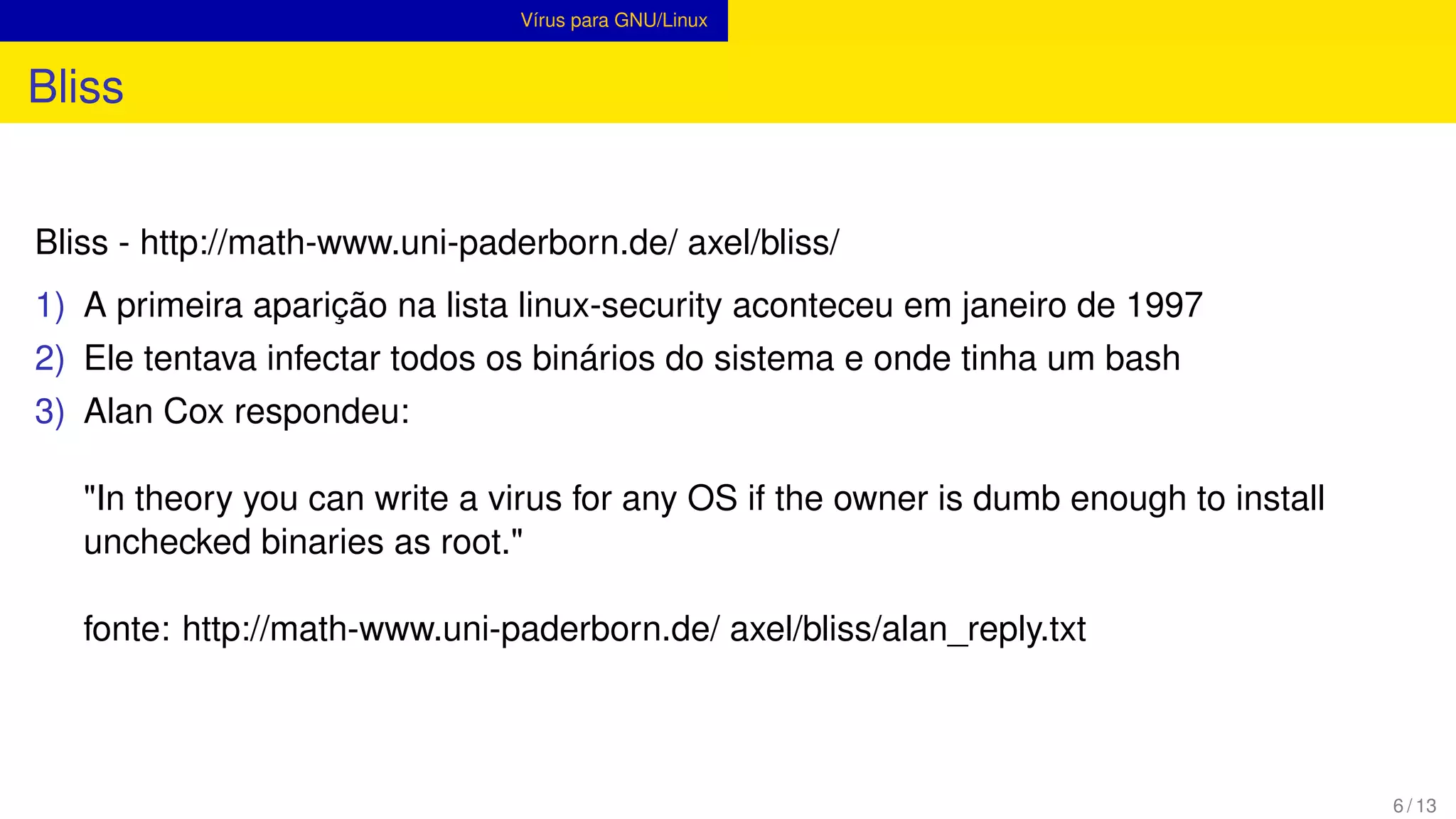
Bliss - http://math-www.uni-paderborn.de/ axel/bliss/
6 / 13
Vírus para GNU/Linux
Bliss
Bliss - http://math-www.uni-paderborn.de/ axel/bliss/
1) A primeira aparição na lista linux-security aconteceu em janeiro de 1997
6 / 13
Vírus para GNU/Linux
Bliss
Bliss - http://math-www.uni-paderborn.de/ axel/bliss/
1) A primeira aparição na lista linux-security aconteceu em janeiro de 1997
2) Ele tentava infectar todos os binários do sistema e onde tinha um bash
6 / 13
Vírus para GNU/Linux
Bliss
Bliss - http://math-www.uni-paderborn.de/ axel/bliss/
1) A primeira aparição na lista linux-security aconteceu em janeiro de 1997
2) Ele tentava infectar todos os binários do sistema e onde tinha um bash
3) Alan Cox respondeu:
"In theory you can write a virus for any OS if the owner is dumb enough to install
unchecked binaries as root."
fonte: http://math-www.uni-paderborn.de/ axel/bliss/alan_reply.txt
6 / 13
Vírus para GNU/Linux
Rootkits
Root + kit (kit de ferramentas)
7 / 13
Vírus para GNU/Linux
Rootkits
Root + kit (kit de ferramentas)
The term rootkit or root kit originally referred to a maliciously modified set of administrative
tools for a Unix-like operating system that granted "root"access.[2] If an intruder could re-
place the standard administrative tools on a system with a rootkit, the intruder could obtain
root access over the system whilst simultaneously concealing these activities from the le-
gitimate system administrator.
fonte: http://en.wikipedia.org/wiki/Rootkit
caso real: http://lucianoborguetti.wordpress.com/2009/12/07/possible-t0rn-v8-or-variation-
rootkit-installe/
7 / 13
Vírus para GNU/Linux
Hydra
Heads of the Hydra. Malware for Network Devices
8 / 13
Vírus para GNU/Linux
Hydra
Heads of the Hydra. Malware for Network Devices
Network devices such as routers, access points and DSL modems are an integral part
of today’s home and small office networks. Typically, these devices will have been pro-
vided by a user’s ISP or bought to extend a user’s existing infrastructure and are usually
managed by people who do not have any special technical knowledge. Often poorly config-
ured and vulnerable, such devices are an easy target for network-based attacks, allowing
cybercriminals to quickly and easily gain control over a network. Surprisingly perhaps,
these seemingly innocuous devices can also offer a perfect hiding place for malware.
fonte: http://www.securelist.com/en/analysis/204792187/ Heads_of_the_Hydra_Malware_for_
8 / 13
Hardening
GNU/Linux Hardening
Desativar serviços desnecessários e Proteger serviços/recursos sensíveis.
9 / 13
Hardening
GNU/Linux Hardening
Desativar serviços desnecessários e Proteger serviços/recursos sensíveis.
Não é exclusivo para o GNU/Linux
9 / 13
Hardening
GNU/Linux Hardening
Desativar serviços desnecessários e Proteger serviços/recursos sensíveis.
Não é exclusivo para o GNU/Linux
Securing your Linux server is important to protect your data, intellectual property, and time,
from the hands of crackers (hackers). The system administrator is responsible for security
Linux box. In this first part of a Linux server security series, I will provide 20 hardening tips
for default installation of Linux system
fonte: http://www.cyberciti.biz/tips/linux-security.html
9 / 13
Hardening
GNU/Linux Hardening
Minimize Software to Minimize Vulnerability
10 / 13
Hardening
GNU/Linux Hardening
Minimize Software to Minimize Vulnerability
- Remova softwares que não serão utilizados
10 / 13
Hardening
GNU/Linux Hardening
Minimize Software to Minimize Vulnerability
- Remova softwares que não serão utilizados
Keep Linux Kernel and Software Up to Date
10 / 13
Hardening
GNU/Linux Hardening
Minimize Software to Minimize Vulnerability
- Remova softwares que não serão utilizados
Keep Linux Kernel and Software Up to Date
- Mantenha o sistema atualizado
10 / 13
Hardening
GNU/Linux Hardening
Minimize Software to Minimize Vulnerability
- Remova softwares que não serão utilizados
Keep Linux Kernel and Software Up to Date
- Mantenha o sistema atualizado
Use Linux Security Extensions
10 / 13
Hardening
GNU/Linux Hardening
Minimize Software to Minimize Vulnerability
- Remova softwares que não serão utilizados
Keep Linux Kernel and Software Up to Date
- Mantenha o sistema atualizado
Use Linux Security Extensions
- SELinux e Apparmor
10 / 13
Hardening
GNU/Linux Hardening
Minimize Software to Minimize Vulnerability
- Remova softwares que não serão utilizados
Keep Linux Kernel and Software Up to Date
- Mantenha o sistema atualizado
Use Linux Security Extensions
- SELinux e Apparmor
User Accounts and Strong Password Policy
10 / 13
Hardening
GNU/Linux Hardening
Minimize Software to Minimize Vulnerability
- Remova softwares que não serão utilizados
Keep Linux Kernel and Software Up to Date
- Mantenha o sistema atualizado
Use Linux Security Extensions
- SELinux e Apparmor
User Accounts and Strong Password Policy
- Não use senhas bizarras
10 / 13
Hardening
GNU/Linux Hardening
Disable Unwanted Services
11 / 13
Hardening
GNU/Linux Hardening
Disable Unwanted Services
- Desative serviços desnecessários
11 / 13
Hardening
GNU/Linux Hardening
Disable Unwanted Services
- Desative serviços desnecessários
Find Listening Network Ports
11 / 13
Hardening
GNU/Linux Hardening
Disable Unwanted Services
- Desative serviços desnecessários
Find Listening Network Ports
- Procure por portas abertas
11 / 13
Hardening
GNU/Linux Hardening
Disable Unwanted Services
- Desative serviços desnecessários
Find Listening Network Ports
- Procure por portas abertas
Configure Iptables and TCPWrappers
11 / 13
Hardening
GNU/Linux Hardening
Disable Unwanted Services
- Desative serviços desnecessários
Find Listening Network Ports
- Procure por portas abertas
Configure Iptables and TCPWrappers
- Configure o firewall
11 / 13
Hardening
GNU/Linux Hardening
Disable Unwanted Services
- Desative serviços desnecessários
Find Listening Network Ports
- Procure por portas abertas
Configure Iptables and TCPWrappers
- Configure o firewall
Turn Off IPv6
11 / 13
Hardening
GNU/Linux Hardening
Disable Unwanted Services
- Desative serviços desnecessários
Find Listening Network Ports
- Procure por portas abertas
Configure Iptables and TCPWrappers
- Configure o firewall
Turn Off IPv6
- Se não vai utilizar, desative
11 / 13
Hardening
GNU/Linux Hardening
Disable Unwanted Services
- Desative serviços desnecessários
Find Listening Network Ports
- Procure por portas abertas
Configure Iptables and TCPWrappers
- Configure o firewall
Turn Off IPv6
- Se não vai utilizar, desative
11 / 13
Hardening
GNU/Linux Hardening
Secure OpenSSH Server
Workstations and laptop can work without OpenSSH server
12 / 13
Hardening
GNU/Linux Hardening
Secure OpenSSH Server
Workstations and laptop can work without OpenSSH server
- Desative ou ative quando for usar
12 / 13
Hardening
GNU/Linux Hardening
Secure OpenSSH Server
Workstations and laptop can work without OpenSSH server
- Desative ou ative quando for usar
Não tem como viver sem ele?
12 / 13
Hardening
GNU/Linux Hardening
Secure OpenSSH Server
Workstations and laptop can work without OpenSSH server
- Desative ou ative quando for usar
Não tem como viver sem ele?
http://www.cyberciti.biz/tips/linux-unix-bsd-openssh-server-best-practices.html
12 / 13
Instalação de Softwares
Cuidados básicos
Sempre verifique a integridade antes de instalar qualquer pacote ou compilar qualquer
código fonte.
13 / 13
Instalação de Softwares
Cuidados básicos
Sempre verifique a integridade antes de instalar qualquer pacote ou compilar qualquer
código fonte.
md5
13 / 13
Instalação de Softwares
Cuidados básicos
Sempre verifique a integridade antes de instalar qualquer pacote ou compilar qualquer
código fonte.
md5
sha1
13 / 13
Instalação de Softwares
Cuidados básicos
Sempre verifique a integridade antes de instalar qualquer pacote ou compilar qualquer
código fonte.
md5
sha1
gpg
13 / 13
Instalação de Softwares
Cuidados básicos
Sempre verifique a integridade antes de instalar qualquer pacote ou compilar qualquer
código fonte.
md5
sha1
gpg
https://fedoraproject.org/pt_BR/keys
http://httpd.apache.org/download.cgi#verify
13 / 13
Instalação de Softwares
Cuidados básicos
Sempre verifique a integridade antes de instalar qualquer pacote ou compilar qualquer
código fonte.
md5
sha1
gpg
https://fedoraproject.org/pt_BR/keys
http://httpd.apache.org/download.cgi#verify
13 / 13

Linux voce-esta-seguro

  • 1.
    GNU/Linux, você estáseguro? Luciano Antonio Borguetti Faustino lucianoborguetti@gmail.com.com Digitro - NDS 1 de julho de 2013 1 / 13
  • 2.
    Apresentação Luciano Antonio BorguettiFaustino Natural do interior de São Paulo, 2 anos em Florianópolis Trabalho com GNU/Linux há mais de 10 anos ... Não sou especialista em segurança e muito menos em GNU/Linux, só um curioso! Viciado em esportes de endurance (esportes/provas de longa duração/distancia)! http://lucianoborguetti.wordpress.com 2 / 13
  • 3.
  • 4.
  • 5.
    Apresentação Roteiro 1) Vírus paraLinux? Existe? 2) Hardening. 3 / 13
  • 6.
    Apresentação Roteiro 1) Vírus paraLinux? Existe? 2) Hardening. 3) Instalação de Softwares. 3 / 13
  • 7.
    Apresentação Sobre o quenão vamos falar? 4 / 13
  • 8.
    Apresentação Sobre o quenão vamos falar? 1) Não vamos demonstrar técnicas de ataque! só na palestra do @henriquemecking. Ok, pelo menos uma escalada de privilégios se der tempo ... 4 / 13
  • 9.
    Apresentação Sobre o quenão vamos falar? 1) Não vamos demonstrar técnicas de ataque! só na palestra do @henriquemecking. Ok, pelo menos uma escalada de privilégios se der tempo ... 2) Comparação entre GNU/Linux e Windows. 4 / 13
  • 10.
    Apresentação Sobre o quenão vamos falar? 1) Não vamos demonstrar técnicas de ataque! só na palestra do @henriquemecking. Ok, pelo menos uma escalada de privilégios se der tempo ... 2) Comparação entre GNU/Linux e Windows. 3) Futebol :P 4 / 13
  • 11.
    Vírus para GNU/Linux Nãouso Windows, estou seguro Matéria de 2006, onde o autor Andy Patrizio já fala que assumir que está seguro só por não usar Windows não é uma verdade! 5 / 13
  • 12.
    Vírus para GNU/Linux Nãouso Windows, estou seguro Matéria de 2006, onde o autor Andy Patrizio já fala que assumir que está seguro só por não usar Windows não é uma verdade! Assuming you’re safe from viruses and other malware just because you are on a non- Windows platform is a big mistake, as the number of Linux-based malware doubled in 2005, and Mac OS X is next to get hit, according to a report from Kaspersky Labs. In a report titled "2005: *nix Malware Evolution,"the Russian antivirus software developer pointed out that the number of Linux-based malicious programs – viruses, Trojans, back- doors, exploits, and whatnot – doubled from 422 to 863. April 27, 2006 - Andy Patrizio fonte: http://www.internetnews.com/dev-news/article.php/3601946 5 / 13
  • 13.
    Vírus para GNU/Linux Bliss Bliss- http://math-www.uni-paderborn.de/ axel/bliss/ 6 / 13
  • 14.
    Vírus para GNU/Linux Bliss Bliss- http://math-www.uni-paderborn.de/ axel/bliss/ 1) A primeira aparição na lista linux-security aconteceu em janeiro de 1997 6 / 13
  • 15.
    Vírus para GNU/Linux Bliss Bliss- http://math-www.uni-paderborn.de/ axel/bliss/ 1) A primeira aparição na lista linux-security aconteceu em janeiro de 1997 2) Ele tentava infectar todos os binários do sistema e onde tinha um bash 6 / 13
  • 16.
    Vírus para GNU/Linux Bliss Bliss- http://math-www.uni-paderborn.de/ axel/bliss/ 1) A primeira aparição na lista linux-security aconteceu em janeiro de 1997 2) Ele tentava infectar todos os binários do sistema e onde tinha um bash 3) Alan Cox respondeu: "In theory you can write a virus for any OS if the owner is dumb enough to install unchecked binaries as root." fonte: http://math-www.uni-paderborn.de/ axel/bliss/alan_reply.txt 6 / 13
  • 17.
    Vírus para GNU/Linux Rootkits Root+ kit (kit de ferramentas) 7 / 13
  • 18.
    Vírus para GNU/Linux Rootkits Root+ kit (kit de ferramentas) The term rootkit or root kit originally referred to a maliciously modified set of administrative tools for a Unix-like operating system that granted "root"access.[2] If an intruder could re- place the standard administrative tools on a system with a rootkit, the intruder could obtain root access over the system whilst simultaneously concealing these activities from the le- gitimate system administrator. fonte: http://en.wikipedia.org/wiki/Rootkit caso real: http://lucianoborguetti.wordpress.com/2009/12/07/possible-t0rn-v8-or-variation- rootkit-installe/ 7 / 13
  • 19.
    Vírus para GNU/Linux Hydra Headsof the Hydra. Malware for Network Devices 8 / 13
  • 20.
    Vírus para GNU/Linux Hydra Headsof the Hydra. Malware for Network Devices Network devices such as routers, access points and DSL modems are an integral part of today’s home and small office networks. Typically, these devices will have been pro- vided by a user’s ISP or bought to extend a user’s existing infrastructure and are usually managed by people who do not have any special technical knowledge. Often poorly config- ured and vulnerable, such devices are an easy target for network-based attacks, allowing cybercriminals to quickly and easily gain control over a network. Surprisingly perhaps, these seemingly innocuous devices can also offer a perfect hiding place for malware. fonte: http://www.securelist.com/en/analysis/204792187/ Heads_of_the_Hydra_Malware_for_ 8 / 13
  • 21.
    Hardening GNU/Linux Hardening Desativar serviçosdesnecessários e Proteger serviços/recursos sensíveis. 9 / 13
  • 22.
    Hardening GNU/Linux Hardening Desativar serviçosdesnecessários e Proteger serviços/recursos sensíveis. Não é exclusivo para o GNU/Linux 9 / 13
  • 23.
    Hardening GNU/Linux Hardening Desativar serviçosdesnecessários e Proteger serviços/recursos sensíveis. Não é exclusivo para o GNU/Linux Securing your Linux server is important to protect your data, intellectual property, and time, from the hands of crackers (hackers). The system administrator is responsible for security Linux box. In this first part of a Linux server security series, I will provide 20 hardening tips for default installation of Linux system fonte: http://www.cyberciti.biz/tips/linux-security.html 9 / 13
  • 24.
    Hardening GNU/Linux Hardening Minimize Softwareto Minimize Vulnerability 10 / 13
  • 25.
    Hardening GNU/Linux Hardening Minimize Softwareto Minimize Vulnerability - Remova softwares que não serão utilizados 10 / 13
  • 26.
    Hardening GNU/Linux Hardening Minimize Softwareto Minimize Vulnerability - Remova softwares que não serão utilizados Keep Linux Kernel and Software Up to Date 10 / 13
  • 27.
    Hardening GNU/Linux Hardening Minimize Softwareto Minimize Vulnerability - Remova softwares que não serão utilizados Keep Linux Kernel and Software Up to Date - Mantenha o sistema atualizado 10 / 13
  • 28.
    Hardening GNU/Linux Hardening Minimize Softwareto Minimize Vulnerability - Remova softwares que não serão utilizados Keep Linux Kernel and Software Up to Date - Mantenha o sistema atualizado Use Linux Security Extensions 10 / 13
  • 29.
    Hardening GNU/Linux Hardening Minimize Softwareto Minimize Vulnerability - Remova softwares que não serão utilizados Keep Linux Kernel and Software Up to Date - Mantenha o sistema atualizado Use Linux Security Extensions - SELinux e Apparmor 10 / 13
  • 30.
    Hardening GNU/Linux Hardening Minimize Softwareto Minimize Vulnerability - Remova softwares que não serão utilizados Keep Linux Kernel and Software Up to Date - Mantenha o sistema atualizado Use Linux Security Extensions - SELinux e Apparmor User Accounts and Strong Password Policy 10 / 13
  • 31.
    Hardening GNU/Linux Hardening Minimize Softwareto Minimize Vulnerability - Remova softwares que não serão utilizados Keep Linux Kernel and Software Up to Date - Mantenha o sistema atualizado Use Linux Security Extensions - SELinux e Apparmor User Accounts and Strong Password Policy - Não use senhas bizarras 10 / 13
  • 32.
  • 33.
    Hardening GNU/Linux Hardening Disable UnwantedServices - Desative serviços desnecessários 11 / 13
  • 34.
    Hardening GNU/Linux Hardening Disable UnwantedServices - Desative serviços desnecessários Find Listening Network Ports 11 / 13
  • 35.
    Hardening GNU/Linux Hardening Disable UnwantedServices - Desative serviços desnecessários Find Listening Network Ports - Procure por portas abertas 11 / 13
  • 36.
    Hardening GNU/Linux Hardening Disable UnwantedServices - Desative serviços desnecessários Find Listening Network Ports - Procure por portas abertas Configure Iptables and TCPWrappers 11 / 13
  • 37.
    Hardening GNU/Linux Hardening Disable UnwantedServices - Desative serviços desnecessários Find Listening Network Ports - Procure por portas abertas Configure Iptables and TCPWrappers - Configure o firewall 11 / 13
  • 38.
    Hardening GNU/Linux Hardening Disable UnwantedServices - Desative serviços desnecessários Find Listening Network Ports - Procure por portas abertas Configure Iptables and TCPWrappers - Configure o firewall Turn Off IPv6 11 / 13
  • 39.
    Hardening GNU/Linux Hardening Disable UnwantedServices - Desative serviços desnecessários Find Listening Network Ports - Procure por portas abertas Configure Iptables and TCPWrappers - Configure o firewall Turn Off IPv6 - Se não vai utilizar, desative 11 / 13
  • 40.
    Hardening GNU/Linux Hardening Disable UnwantedServices - Desative serviços desnecessários Find Listening Network Ports - Procure por portas abertas Configure Iptables and TCPWrappers - Configure o firewall Turn Off IPv6 - Se não vai utilizar, desative 11 / 13
  • 41.
    Hardening GNU/Linux Hardening Secure OpenSSHServer Workstations and laptop can work without OpenSSH server 12 / 13
  • 42.
    Hardening GNU/Linux Hardening Secure OpenSSHServer Workstations and laptop can work without OpenSSH server - Desative ou ative quando for usar 12 / 13
  • 43.
    Hardening GNU/Linux Hardening Secure OpenSSHServer Workstations and laptop can work without OpenSSH server - Desative ou ative quando for usar Não tem como viver sem ele? 12 / 13
  • 44.
    Hardening GNU/Linux Hardening Secure OpenSSHServer Workstations and laptop can work without OpenSSH server - Desative ou ative quando for usar Não tem como viver sem ele? http://www.cyberciti.biz/tips/linux-unix-bsd-openssh-server-best-practices.html 12 / 13
  • 45.
    Instalação de Softwares Cuidadosbásicos Sempre verifique a integridade antes de instalar qualquer pacote ou compilar qualquer código fonte. 13 / 13
  • 46.
    Instalação de Softwares Cuidadosbásicos Sempre verifique a integridade antes de instalar qualquer pacote ou compilar qualquer código fonte. md5 13 / 13
  • 47.
    Instalação de Softwares Cuidadosbásicos Sempre verifique a integridade antes de instalar qualquer pacote ou compilar qualquer código fonte. md5 sha1 13 / 13
  • 48.
    Instalação de Softwares Cuidadosbásicos Sempre verifique a integridade antes de instalar qualquer pacote ou compilar qualquer código fonte. md5 sha1 gpg 13 / 13
  • 49.
    Instalação de Softwares Cuidadosbásicos Sempre verifique a integridade antes de instalar qualquer pacote ou compilar qualquer código fonte. md5 sha1 gpg https://fedoraproject.org/pt_BR/keys http://httpd.apache.org/download.cgi#verify 13 / 13
  • 50.
    Instalação de Softwares Cuidadosbásicos Sempre verifique a integridade antes de instalar qualquer pacote ou compilar qualquer código fonte. md5 sha1 gpg https://fedoraproject.org/pt_BR/keys http://httpd.apache.org/download.cgi#verify 13 / 13